GHL Client Onboarding 2026: How to Keep Your Clients Forever
In the fast world of 2026, the “First Impression” is everything. If a client signs up for your services and has to wait three days to get started, they will likely cancel. This is called “Churn,” and it is the #1 enemy of a growing agency.
GoHighLevel (GHL) has solved this with automated onboarding tools. You can now take a client from “Just Paid” to “Fully Set Up” in under 10 minutes. In this guide, we will show you how to build an onboarding machine that creates happy, long-term customers.
Why Onboarding is Different in 2026
In the past, onboarding was a manual process of Zoom calls and long emails. Today, customers want a “Self-Service” experience. They want to log in and start seeing results immediately.
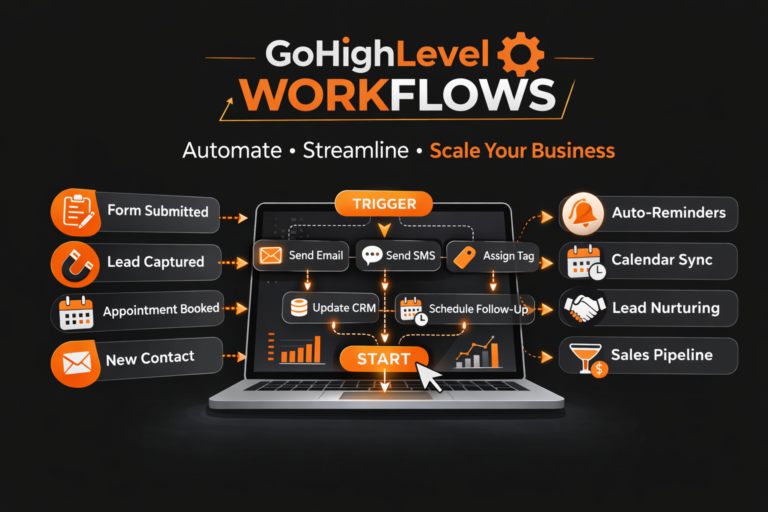
By using GHL Workflows and AI Agents, you can build a system that talks to your client the moment their payment hits Stripe.
The 10-Minute Onboarding Workflow
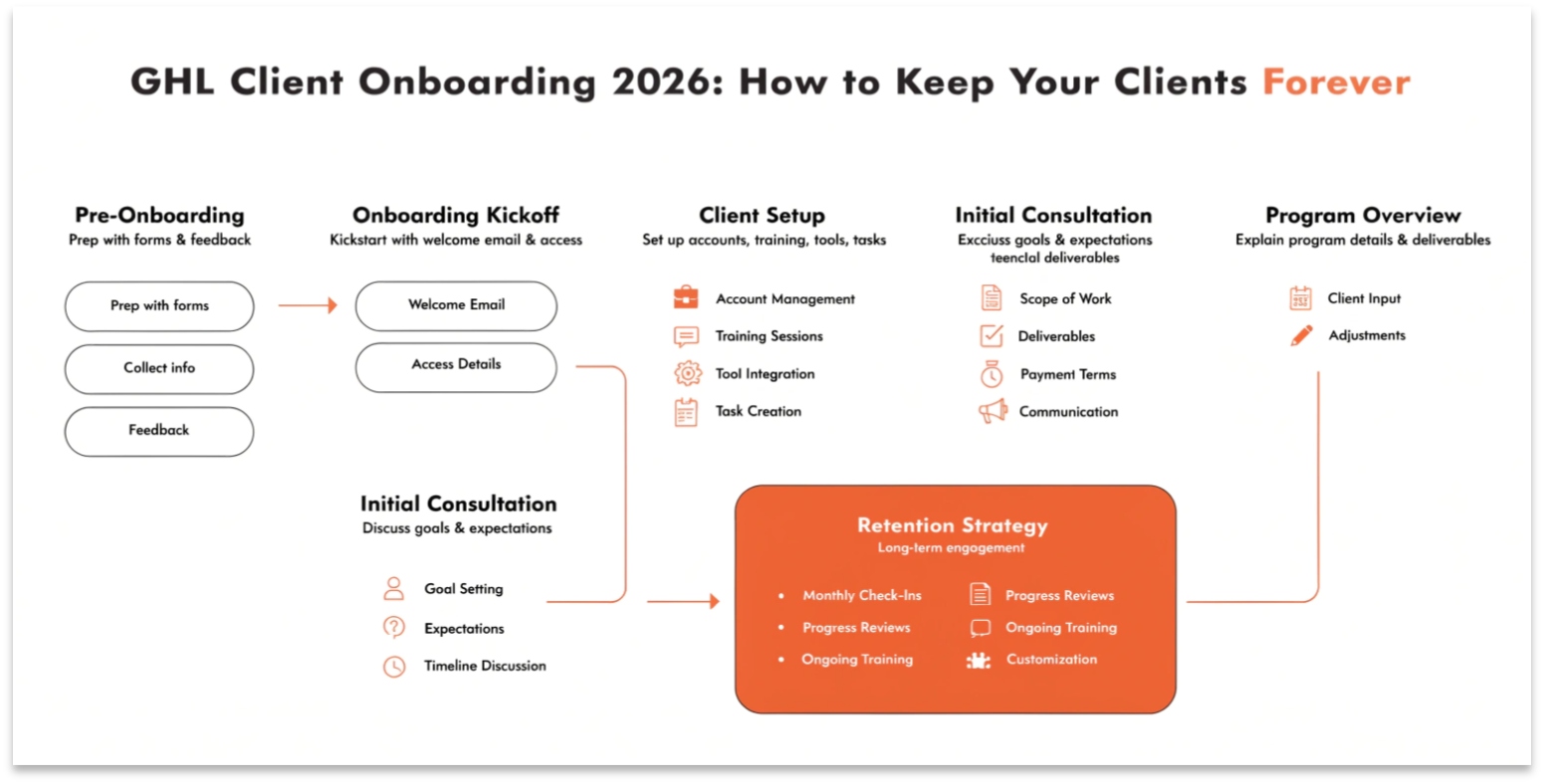
A professional onboarding flow should follow these four steps:
The Instant Welcome
As soon as they pay, GHL sends a text and an email. This message should include their login details for their new white-label CRM business portal.
The Onboarding Form
Instead of a long meeting, send a “Smart Form.” This form asks for their brand colors, logo, and phone number. When they hit “Submit,” GHL uses “Custom Values” to place that info across their entire account automatically.
Launching the Snapshot
With the new GHL CRM Efficiency Updates, you can bulk-load a snapshot into their account. This gives them a ready-to-use website, funnel, and automation set in seconds.
The Training Portal
Invite them into your GHL Community. Here, they can watch short videos on how to use their new tools, reducing the number of support questions they ask you.
Using AI to Prevent Churn
In 2026, you can use AI to tell you if a client is about to quit before they even know it.
The “Happiness Score”
You can set up a workflow that tracks “Last Login.”
Comparison: Manual vs. Automated Onboarding
| Task | Manual (Old Way) | GHL Automated (2026) |
| Setup Time | 5 – 10 Hours | 10 Minutes |
| First Interaction | Next Business Day | Instant (24/7) |
| Data Collection | Back-and-forth Emails | Single Smart Form |
| Software Training | 1-on-1 Zoom Calls | Self-Paced Community |
| Client Success Rate | Medium | High (Fast Results) |
The White-Label Client Portal
One of the best ways to keep clients is to make your agency look like a massive tech company.
When you use GHL SaaS Mode, your clients log into a portal with your logo. They see their AI Ad Manager results and their lead lists all in one place. Because they rely on this dashboard to run their business, they are much less likely to cancel.
Upselling During Onboarding
The best time to sell more services is when a client just saw how fast you work. During the onboarding flow, you can offer “Add-ons” like:
Most Searched “Retention” Questions (FAQs)
How do I reduce churn in 2026?
The best way is “Speed to Value.” If a client sees a new lead or a new review in their first 48 hours, they will stay. Use GHL’s automation to get them an “Easy Win” immediately.
Can I automate the contract signing?
Yes. GHL has a built-in “Documents” tool. You can include the contract as the very first step of your onboarding workflow.
Is the onboarding portal mobile-friendly?
Yes. With the 2026 mobile app updates, your clients can manage their entire onboarding process from their phone.
What if the client is not “Tech-Savvy”?
This is why you use GHL Communities. Create a “Quick Start” video series that explains the basics in plain English.
Technical Tip: The “Snapshot” Logic
When you build your onboarding snapshot, use Custom Values for everything.
Common Onboarding Mistakes
Conclusion: Systematize Your Success
In 2026, your agency is only as strong as your onboarding. If you spend all your time setting up clients manually, you will never have time to grow.
By using the power of GoHighLevel to automate the first 90 days of a client’s journey, you ensure they get results fast. Happy clients don’t just stay—they refer others. Use these tools to turn your agency into a scaling machine.