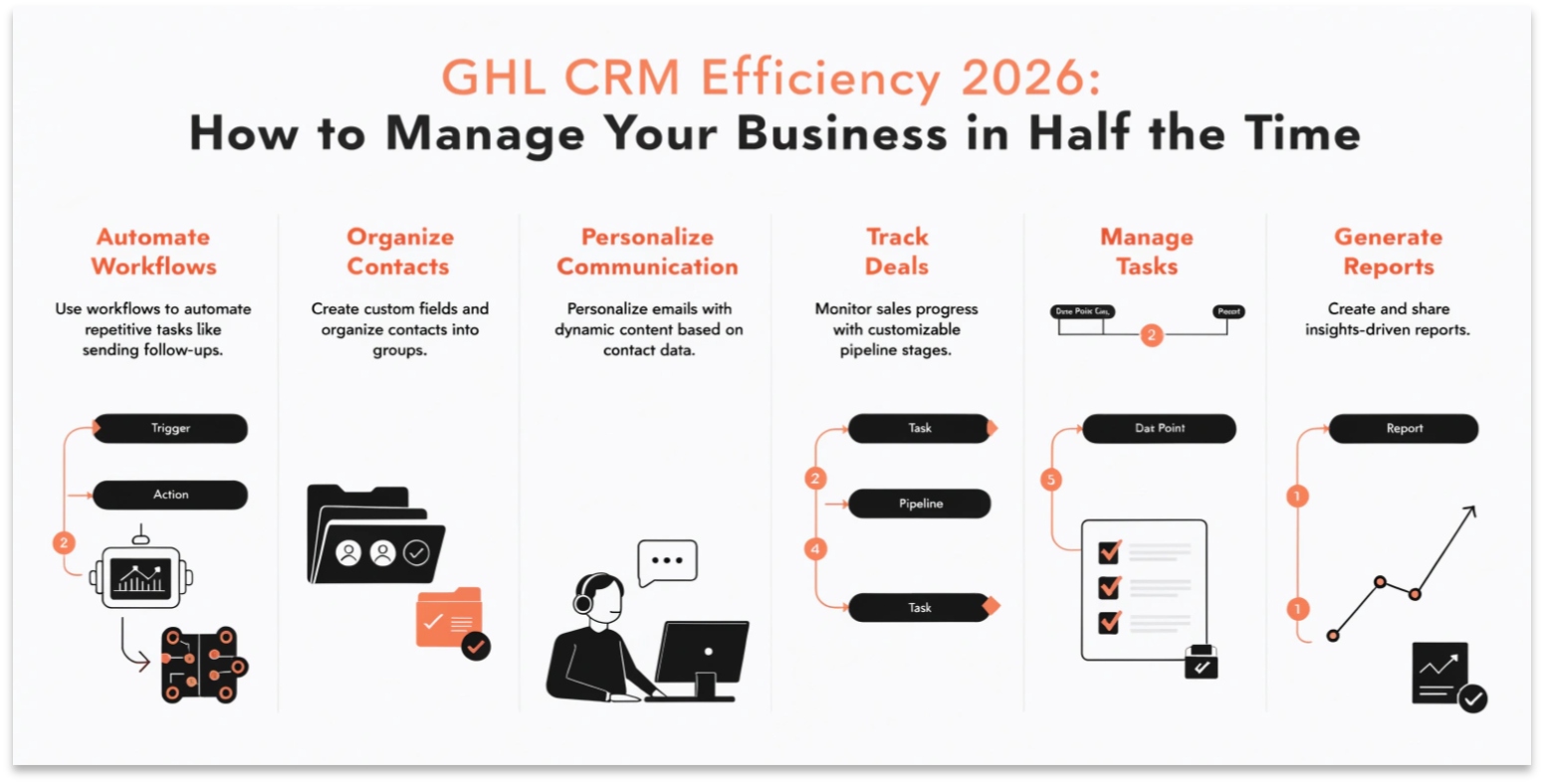
GHL CRM Efficiency 2026: How to Manage Your Business in Half the Time
In 2026, the most successful business owners aren’t the ones working the hardest—they are the ones with the best systems. GoHighLevel (GHL) recently released a series of updates designed to remove the “clutter” from your daily work.
Whether you are managing one local shop or 100 SaaS clients, these new tools for Notes, Pipelines, and Snapshots will change how you work. In this guide, we will show you how to use these updates to become more efficient.
Notes Just Got Smarter
For years, the “Notes” section in a CRM was just a place to type plain text. In March 2026, GHL turned Notes into a powerful organization tool.
What is New in GHL Notes?
Read this: GHL Workflows and AI Agents: Build Your AI Workforce in 2026
Managing Large Pipelines with “Kanban Resize”
If you have a busy business, your sales pipeline can get messy. You might have 10 different stages, which means you have to scroll left and right constantly.
The 2026 Solution:
GHL now allows you to Collapse and Resize pipeline stages.
Bulk Snapshot Linking (For Agencies)
For agency owners, “Snapshots” are the secret to scaling. But in the past, if you wanted to update 50 clients, you had to do it one by one.
The “Link & Load” Revolution
In March 2026, GHL released a new Bulk Snapshot Loader in the Labs section.
Comparison: CRM Management 2023 vs. 2026
| Task | Old Way (2023) | New Way (2026) |
| Finding Information | Scrolling through text | Searching Smart Note Titles |
| Viewing Pipelines | Heavy horizontal scrolling | Collapsible & Resizable Stages |
| Updating Clients | Manual account switching | Bulk Snapshot Syncing |
| Booking Appointments | Separate menu | Unified flow inside Opportunities |
| Phone Calls | Manual dialer management | Auto-minimizing Smart Dialer |
The Unified Booking Experience
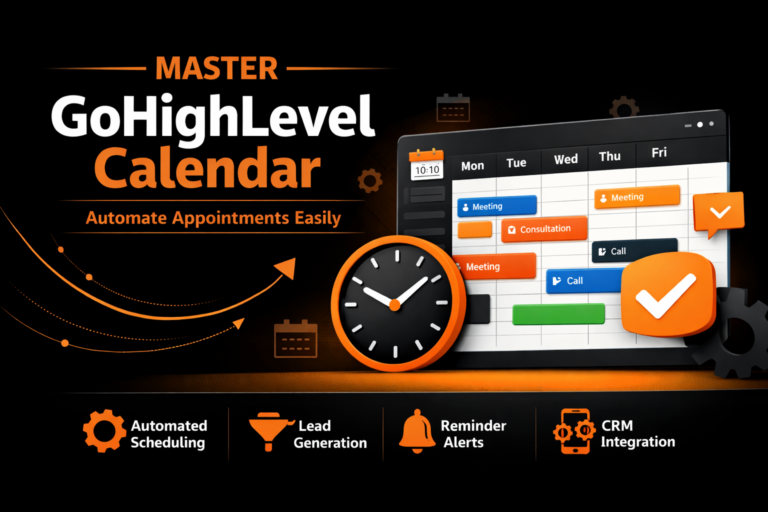
GHL has simplified how you schedule meetings. Previously, booking an appointment felt different depending on where you were in the app.
Now, whether you are inside the Calendar tab, a Contact profile, or the Opportunities board, the booking screen looks the same.
The Auto-Minimizing Dialer
If you make a lot of phone calls, you know how the “dialer” window can get in the way of seeing a customer’s details.
In 2026, the GHL dialer is context-aware.
Most Searched “Efficiency” Questions (FAQs)
How do I enable the new Snapshot features?
Go to your Agency Settings and click on Labs. Look for “Link & Load Multiple Sub-Accounts” and toggle it on.
Can I search through my notes by color?
Yes! The 2026 update includes a “Filter by Color” option in the Notes section, allowing you to see only your “Urgent” (Red) notes instantly.
Does the pipeline resize affect my whole team?
No. GHL now allows for Individual Workspace views. You can resize your columns to fit your screen without messing up how the pipeline looks for your employees.
What happens to missed calls now?
In March 2026, GHL improved the phone system logic. If a number has no forwarding setup, the call is automatically routed to a professional voicemail instead of being “rejected,” which helps you capture more leads.
Organizing with “Smart Tags”
Tags are the “glue” that holds GHL together. In 2026, you can use AI Tagging to keep your CRM clean.
QR Code Branding Upgrades
Even the small tools got an upgrade. GHL’s QR Code Builder now allows for:
Read this: GHL SaaS Mode 2026: Build a Six-Figure White-Label Agency
Conclusion: Systematize to Scale
Efficiency isn’t about working more hours; it’s about making those hours count. With the 2026 updates to Notes, Pipelines, and Snapshots, GHL has removed the friction that slows down most businesses.
By taking 10 minutes to set up your Smart Notes and organizing your Bulk Snapshots, you are setting your business up to grow without the stress.