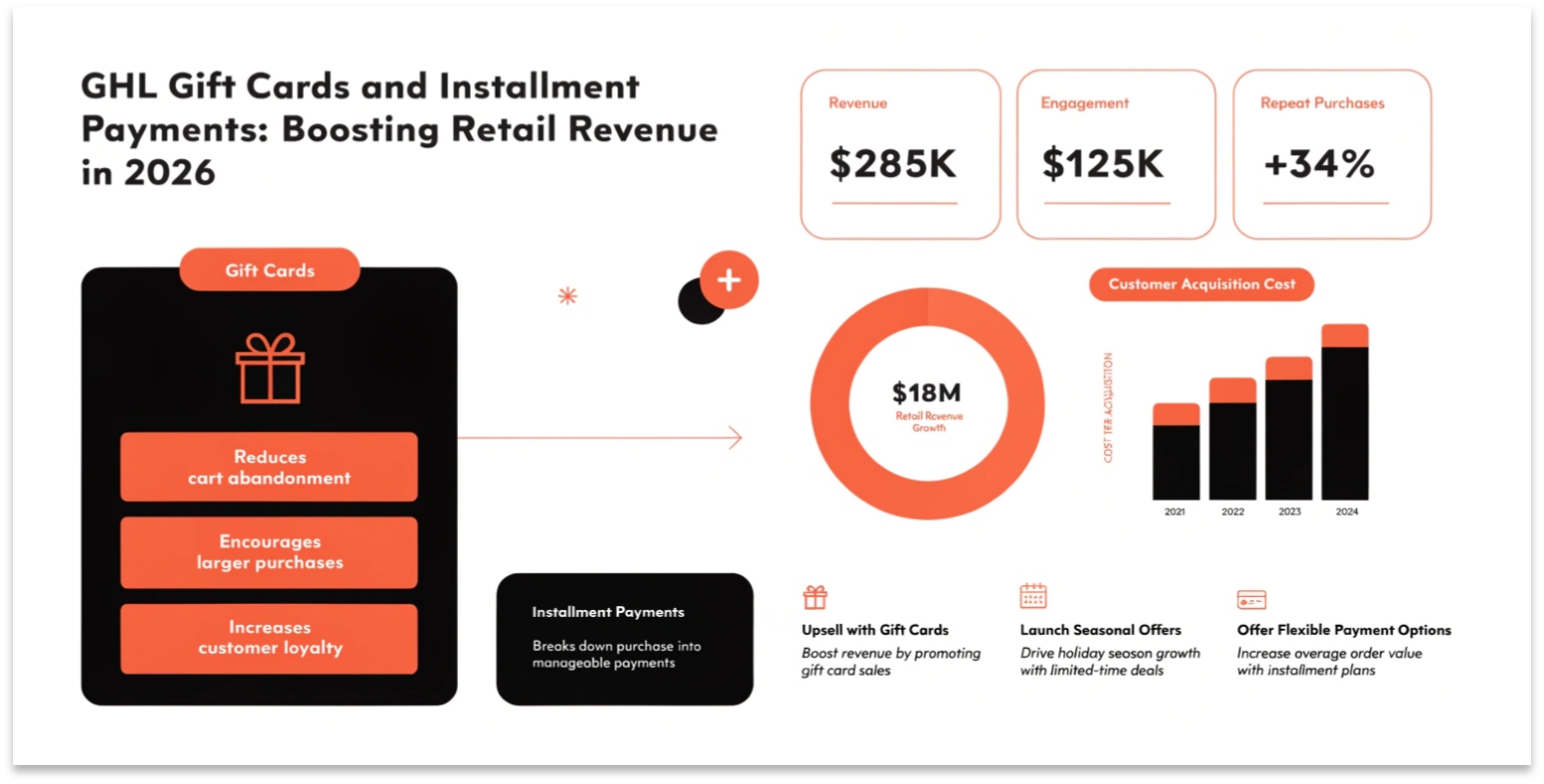
GHL Gift Cards and Installment Payments: Boosting Retail Revenue in 2026
In April 2026, the way we think about “selling” in a CRM has changed. It’s no longer just about one-time invoices or monthly subscriptions. With the latest update to the Payments Module, GoHighLevel has introduced Branded Gift Cards and Installment Payments (BNPL).
These tools allow local businesses—like spas, restaurants, and gyms—to generate “upfront cash” and make high-ticket services more affordable for their customers. In this guide, we’ll show you how to set up these new 2026 revenue drivers.
The New Gift Card Module
Located under the Payments tab, the Gift Card module is a complete system for creating, selling, and tracking digital store credit.
Key Capabilities
Offering Installment-Based Payments
High-ticket services (like a $3,000 coaching package or a $2,000 dental procedure) can be a hard sell. In 2026, GHL solved this by allowing Installment Options directly at checkout.
Managing “Profitability Widgets”
GHL didn’t just stop at taking payments; they added a way to see if you are actually making money. The new Profitability Widgets in the dashboard allow you to:
Comparison: GHL Selling 2024 vs. 2026
| Feature | GHL Payments (2024) | GHL Payments (2026) |
| Gift Cards | None / Third-party only | Native Branded Gift Cards |
| Checkout Options | Full payment or Subs | Installments & BNPL |
| Tax Handling | Basic manual settings | Auto-Gift Card Tax Category |
| Inventory | Basic product count | Per-Denomination Inventory |
| Analytics | Revenue only | Real-Time Profitability Widgets |
The “Secondary Contact” Merge Update
In 2026, data cleanliness is vital for your CRM Intelligence. GHL recently improved how it handles Contact Merges.
How to Launch a “Gift Card Campaign”
Most Searched “Retail” Questions (FAQs)
Can I deactivate a gift card?
Yes. You can archive or deactivate gift card products at any time. If you deactivate a card, the dedicated checkout link will stop working immediately.
Are gift cards taxable?
Yes. GHL now includes a specific “Gift Card Tax Category” that applies the correct automatic taxes depending on your location.
Does the installment option work with Stripe?
Yes. Most installment features in 2026 are powered by the Stripe “Link” or “Affirm” integrations, which GHL supports natively.
Can I use my own artwork for the cards?
Absolutely. You can upload custom PNG or JPG files to match your client’s brand perfectly.
Technical Tip: The “Inventory” Rule
In the April 2026 update, inventory for gift cards applies individually to each denomination.
Common E-commerce Mistakes
Conclusion: The All-In-One Commerce Suite
GoHighLevel has officially moved beyond “just a CRM.” In 2026, it is a full-scale commerce platform. By using Gift Cards to get cash upfront and Installments to close bigger deals, you are giving your business (and your clients) the tools needed to thrive in a modern economy.